
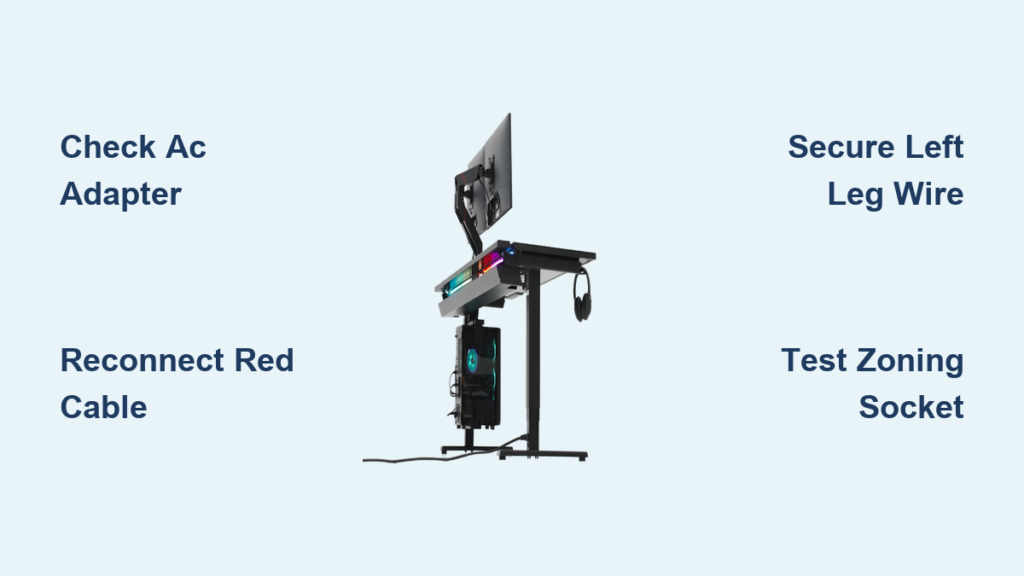
You unbox your new Secretlab Magnus Pro or Magnus Pro XL desk, carefully assemble it, plug it in, and nothing happens. No display lights up. The control panel is dead. Zero response. For a premium product costing over $1,000, this is frustrating, but you are not alone. The Secretlab desk not turning on issue is a surprisingly common problem reported by multiple users across forums and support threads.
Despite the desk’s high-end design and advanced features, many new owners face the same silent startup. In nearly all cases, the desk is not broken. The issue usually comes down to one simple cause: a disconnected internal power cable. This guide walks you through the exact steps to diagnose and fix the problem in under 15 minutes.
Locate the Center Control Panel
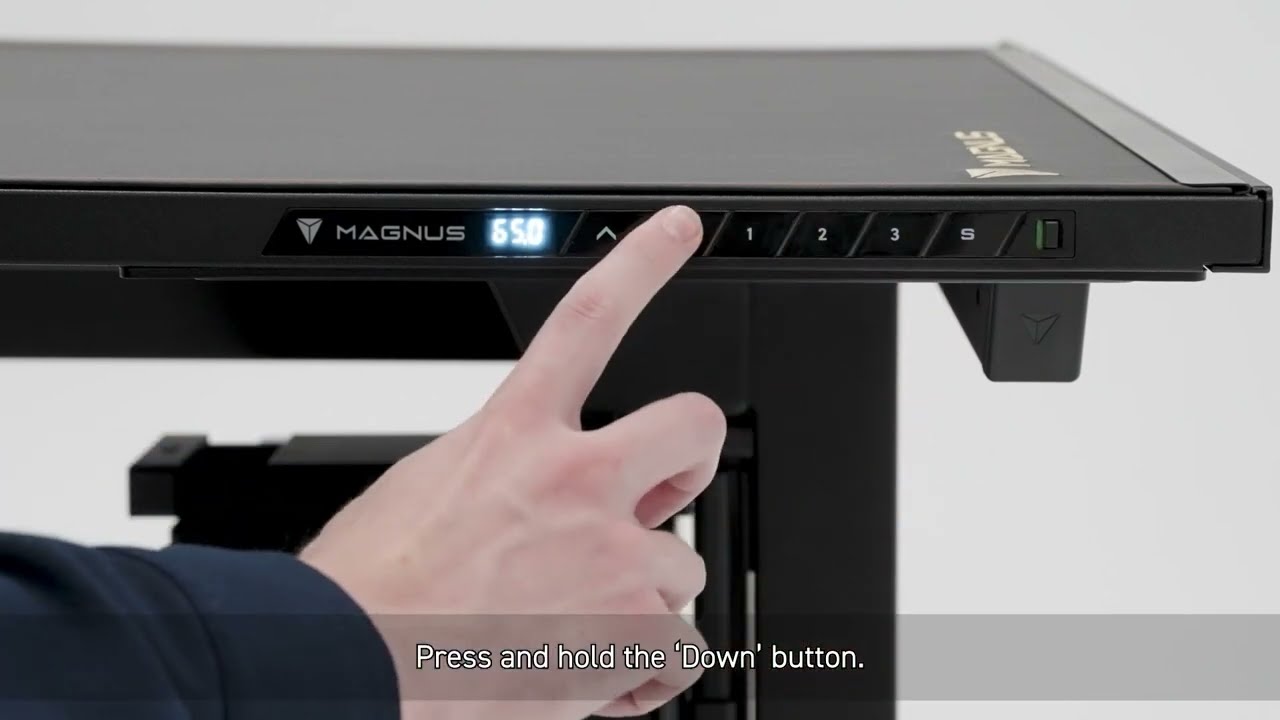
The first step to fixing a dead Secretlab desk is accessing the internal electronics. Power issues are almost always rooted in the central control housing, located underneath the desktop near the control panel end.
Flip the desk upside down on a soft surface to protect the finish. Look for a rectangular panel in the center frame. This covers the control box, power supply, and wiring hub. On Magnus Pro and Magnus Pro XL models, the panel is secured with screws or plastic clips, depending on the batch.
Remove the screws using a standard Phillips screwdriver, then gently detach the panel. Set it aside safely. With the cover off, you will see a cluster of cables, a black transformer, and the main control unit. This is where most power failures originate.
Pro Tip: Take a photo of the internal layout before touching anything. This helps you verify connections later and provides reference if something looks unusual.
Check the AC Power Adapter Connection
The AC power adapter converts wall power for the desk internal systems. If it is not plugged into the control board, no power flows, even if the external cord is in the outlet.
Locate the adapter inside the central housing. It has two connections. The input comes from the external power cord via the left leg. The output goes to the control board via a red or black cable.
Ensure the output end is fully inserted into the control unit socket. Some users report this plug hanging loose from the factory. Push it in firmly until it clicks or seats completely.
Inspect the Big Red Power Cable
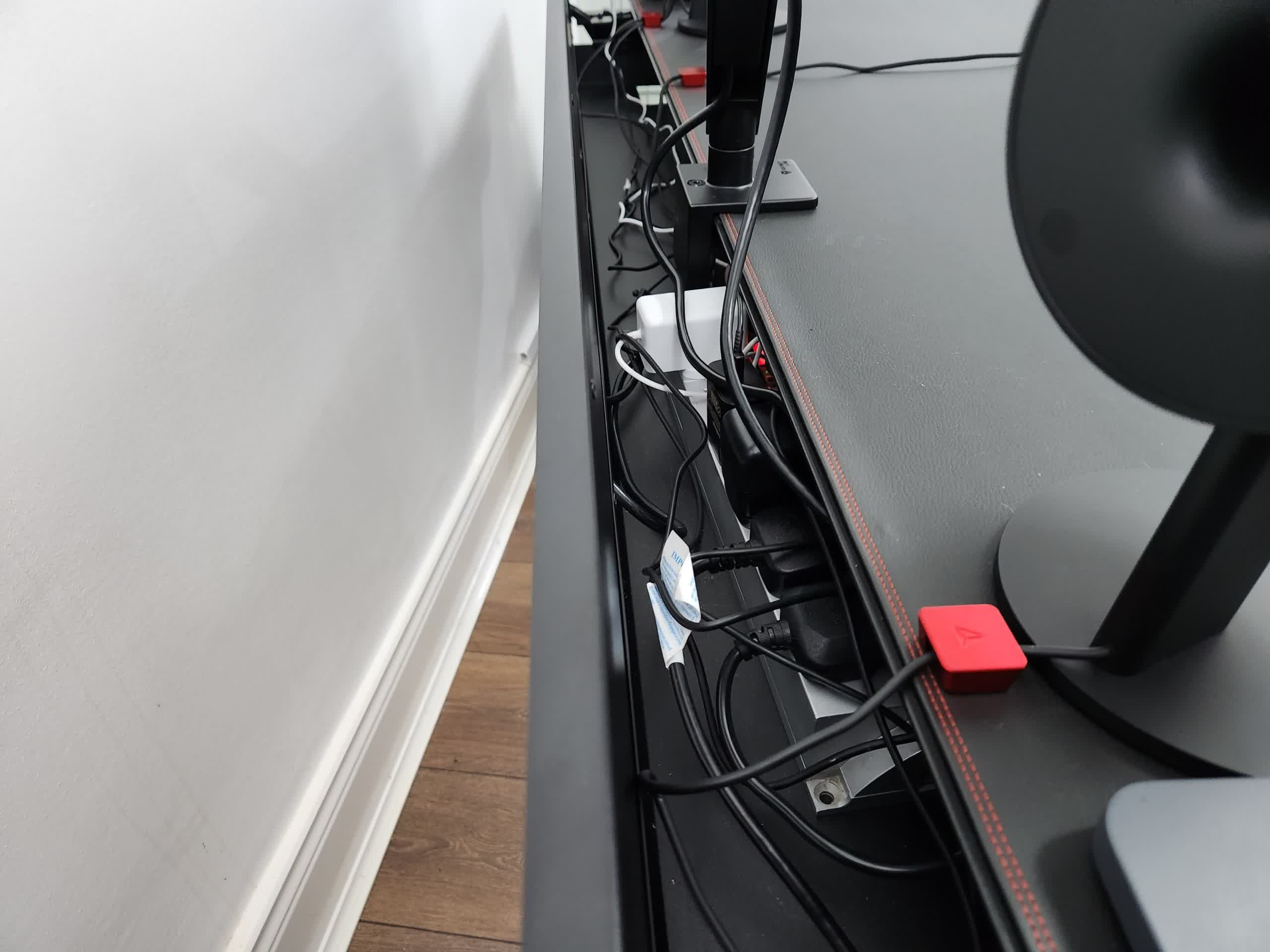
The big red cable is the main power line between the transformer and the control system. It is thick, easy to spot, and critical for operation.
Check both ends. One end connects to the transformer output. The other connects to the control board power input. If either end is unplugged or partially disconnected, that is your problem. Reconnect both ends securely. Wiggle the plugs gently after insertion to confirm they are locked in place.
Warning: Do not force the connection. If the plug does not fit smoothly, double-check alignment. Forcing it can damage pins or sockets.
Verify Left Leg Power Cable
Power enters the desk through the left leg, travels up through an internal wire, and connects to the central control box.
During shipping, movement can pull this cable loose. Even if the external power cord is plugged in, a disconnected internal leg cable means no electricity reaches the core system.
Trace the cable from the left leg into the frame. Confirm it is plugged into the input terminal of the AC adapter. If it is dangling or loose, reconnect it firmly.
Fix Disconnected Internal Wires
Now that you have identified the likely culprits, it is time to make the fix.
Reconnect All Loose Cables
Go back through each connection. Check the AC adapter to control board. Check the big red cable at both ends. Check the left leg power cable to adapter input.
Unplug and reseat each one. This ensures a clean, tight connection. Sometimes, a plug may look connected but is not making proper contact.
Pro Tip: Use a flashlight to inspect socket pins. If any look bent or damaged, stop and contact Secretlab support.
Test Before Reassembling
Before screwing the panel back on, do a dry test. Carefully flip the desk upright. Plug the power cord into a working outlet. Press the power button on the control panel.
If the display lights up and responds, you have fixed it. Turn it off, flip the desk back, and reattach the center panel.
If not, unplug and repeat the inspection. One user found their transformer was not plugged in at all. A quick reseat solved everything.
Confirm Power with Zoning Socket Test
If the control panel remains dead, perform a secondary check using the zoning socket.
The Magnus Pro includes a built-in power outlet in the cable management tray. If this socket delivers power, it means electricity is reaching part of the desk. This indicates the issue may be isolated to the control system, not the main power feed.
Plug in a Device
Insert a phone charger, lamp, or small appliance into the zoning socket. If it powers on, the desk is receiving voltage. That narrows the problem down to the control panel wiring, display connection, or internal fuse or relay.
If the socket works but the panel does not, check the flat ribbon cable connecting the control unit to the display. It can come loose during transit.
No Response from Zoning Socket
If the socket is also dead, power is not reaching the internal system at all. Return to the center panel and recheck the left leg cable connection, transformer input and output, and external power cord integrity.
You may also test the outlet with another device to rule out electrical issues in your setup.
Common Misdiagnoses to Avoid
Many users jump to worst-case conclusions when the desk does not turn on. Do not make these common mistakes.
Assuming the Desk Is Defective
A silent desk does not mean it is broken. Most dead on arrival reports are actually loose factory connections. Reconnecting cables resolves 90% of cases.
Overlooking Simple Checks
Before disassembling, confirm the outlet works. Test with another device. Check if the power strip is switched on. Inspect the external cord for cuts or damage.
Forcing the Power Button
One user reported the control switch felt stiff or stuck. Do not force it. If cables are connected but the panel will not turn on, the issue may be mechanical. Contact support instead of risking damage.
When to Contact Secretlab Support
If you have reconnected all cables and the desk still will not power on, it is time to reach out.
Signs of Hardware Failure
Contact support if all internal connections are secure, external outlet and cord are functional, zoning socket delivers no power, or transformer shows no signs of life. This means no warmth or hum.
Possible issues include a faulty transformer, damaged left leg wiring, or a defective control board.
Request Replacement Parts
Some users received replacement left legs after proving internal damage. If your cables are intact but power fails, request a new power supply unit, left leg module, or control panel assembly.
Secretlab typically responds within 24 to 48 hours. Have your order number and photos of the internal setup ready.
Prevent Power Issues at Setup
Avoid the frustration altogether with these pre-power checklist steps.
Inspect Internals Before First Use
Even if assembly feels complete, open the center panel before plugging in. Verify the AC adapter is connected, the red power cable is seated, and the left leg cable is secured.
It takes 5 minutes and prevents a dead desk scare.
Handle Cables Gently During Unboxing
Pulling the desk out of the box can tug on arm and leg wiring. Rough handling during unpacking can yank internal connectors loose.
Guide the desk out slowly. Support the legs and arms to minimize strain on internal cables.
Keep Panel Accessible Until Verified
Leave the center panel off or loosely attached until you confirm the display lights up, the motors respond to controls, and the zoning socket works.
This saves time if a reconnection is needed.
Document Your Setup
Take clear photos of the internal wiring before and after reassembly. If issues arise later, you will have a reference point for what normal looks like.
Frequently Asked Questions About Secretlab Desk Power Issues
Why does my Secretlab desk have no power after assembly?
The most common cause is a disconnected internal power cable inside the center control housing. During manufacturing or shipping, the AC adapter or red power cable can come loose, preventing power from reaching the control panel.
How do I access the internal wiring on my Magnus Pro?
Flip the desk upside down on a soft surface. Locate the rectangular center panel underneath the desktop near the control panel end. Remove the screws with a Phillips screwdriver to expose the internal control box and wiring.
What is the big red cable in my Secretlab desk?
The big red cable is the main power line connecting the transformer to the control board. It is critical for operation. If it is loose or disconnected, the desk will not turn on.
Will opening the center panel void my warranty?
Opening the panel for inspection is generally acceptable for troubleshooting. However, if you cause damage during the process or attempt repairs beyond reconnecting cables, it may affect warranty coverage. When in doubt, contact Secretlab support first.
What should I do if the zoning socket works but the control panel does not?
If the zoning socket delivers power but the control panel remains dead, check the flat ribbon cable connecting the control unit to the display. This cable can come loose during transit. Reconnecting it often resolves the issue.
How long does it take to fix a Secretlab desk that will not turn on?
Most users fix the issue in under 15 minutes. The process involves flipping the desk, removing the center panel, reconnecting one to three cables, and testing. No special tools are required beyond a Phillips screwdriver.
Key Takeaways for Fixing Your Secretlab Desk
The Secretlab desk not turning on problem is widespread but rarely serious. It stems from factory or shipping related disconnections, not design flaws. By checking the AC adapter, red power cable, and left leg connection, you will likely restore full function immediately.
This issue highlights a gap in quality control for a premium product, but also the power of community troubleshooting. Most users avoid lengthy support loops by performing this simple internal inspection.
For new buyers, inspect before you plug in. A 5 minute check can save hours of confusion. Once powered, the Magnus Pro delivers on its promise: sleek, smart, and fully functional.





