
Placing a rug under a desk is one of the simplest ways to transform a home office from purely functional to professionally designed. A well-chosen rug anchors your workspace, protects your flooring from chair casters, reduces noise, and adds warmth to cold hard floors. However, choosing the wrong size or material can create tripping hazards, damage rug edges, and make rolling your chair frustrating. The key to how to place a rug under a desk successfully lies in three factors: proper sizing, chair-compatible materials, and strategic positioning that supports your daily workflow.
This guide covers everything you need to know about selecting the right rug size, choosing materials that allow smooth chair movement, and positioning your rug to create a cohesive, functional workspace that stands up to daily use.
Anchor Your Desk Properly on the Rug
Front Legs vs. Full Base Support
For a polished, grounded appearance, at least the front two legs of your desk should rest on the rug. This prevents the “floating” look that makes furniture appear disconnected from the space. However, for maximum stability and visual cohesion, all four legs should ideally sit on the rug.
When back legs hang off the rug’s edge, you risk uneven weight distribution, wobbling, and damage to the rug’s border from chair wheels rolling over it. In high-traffic workspaces, full coverage is strongly recommended.
Prevent Tripping Hazards
Rugs with edges protruding into walkways or partially exposed under rolling chairs can become dangerous tripping points. To avoid this, ensure the rug lies completely flat with no curling edges, use a non-slip rug pad underneath especially on hardwood or tile, and trim excess length if it extends too far into foot traffic zones. Positioning the rug flush with the desk footprint and chair path minimizes risk while maximizing usability.
Cover Full Chair Movement Area
Measure Your Chair’s Range
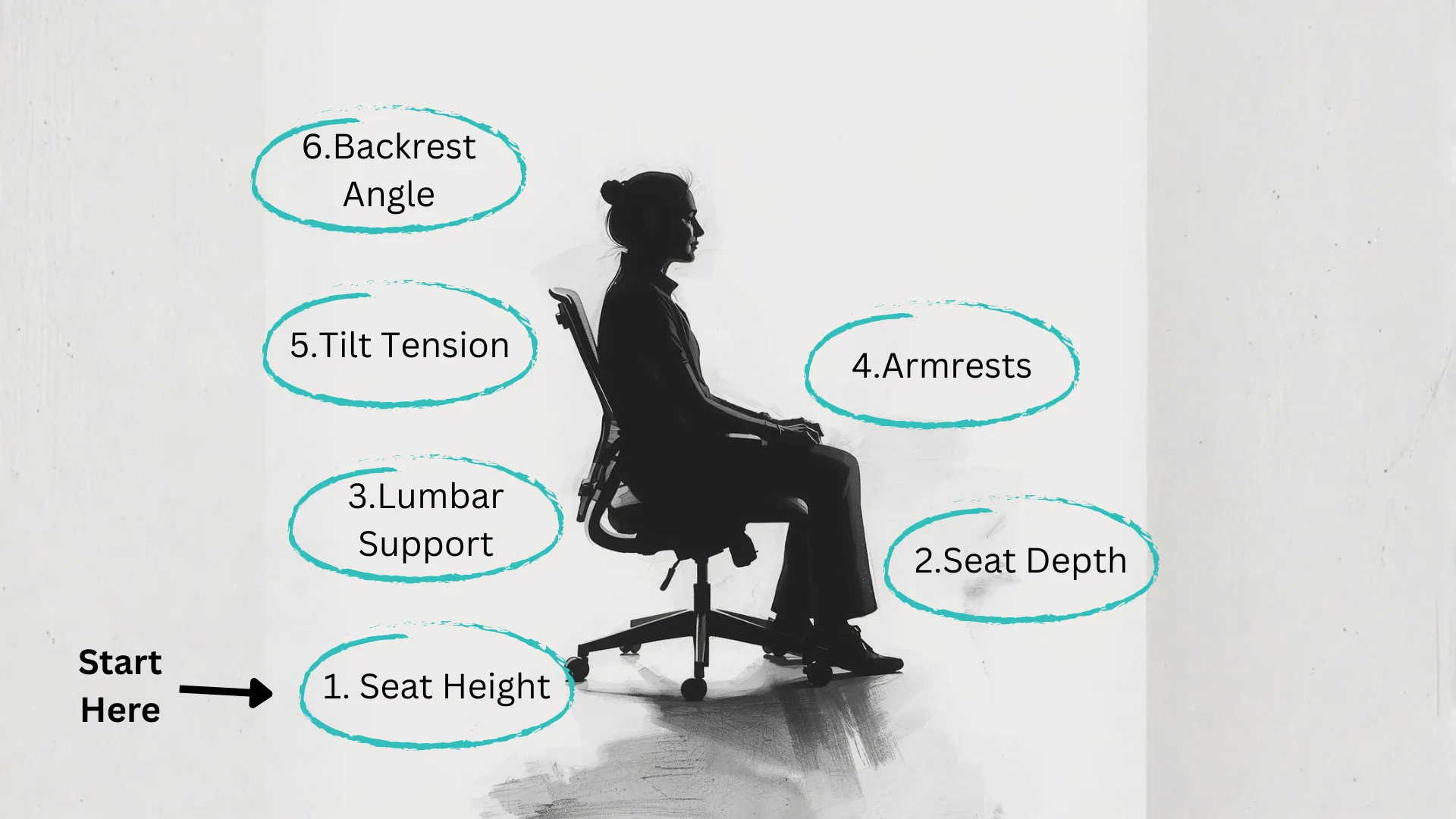
One of the most overlooked aspects of how to place a rug under a desk is accounting for your office chair’s complete movement pattern. The rug must extend far enough behind the desk to accommodate the full backward roll of your chair.
To measure accurately, sit in your chair and roll it back as far as you normally would. Mark the stopping point on the floor, then measure from the back legs of the desk to that point. Add at least 6 to 12 inches for a safety margin. This ensures your chair never rolls off the rug, which can damage flooring, strain casters, or fray the rug’s edge.
Prevent Rug Damage from Casters
Chair wheels repeatedly rolling over rug edges cause fraying, piling, and distortion. Low-pile rugs resist this better, but even they can degrade over time if the chair frequently rides the border. If you notice your rug shifting or bunching, consider adding a clear plastic floor mat on top of the rug under the chair’s path. This protects the rug while allowing effortless rolling.
Choose the Right Rug Size
Standard Desk Sizing Guidelines
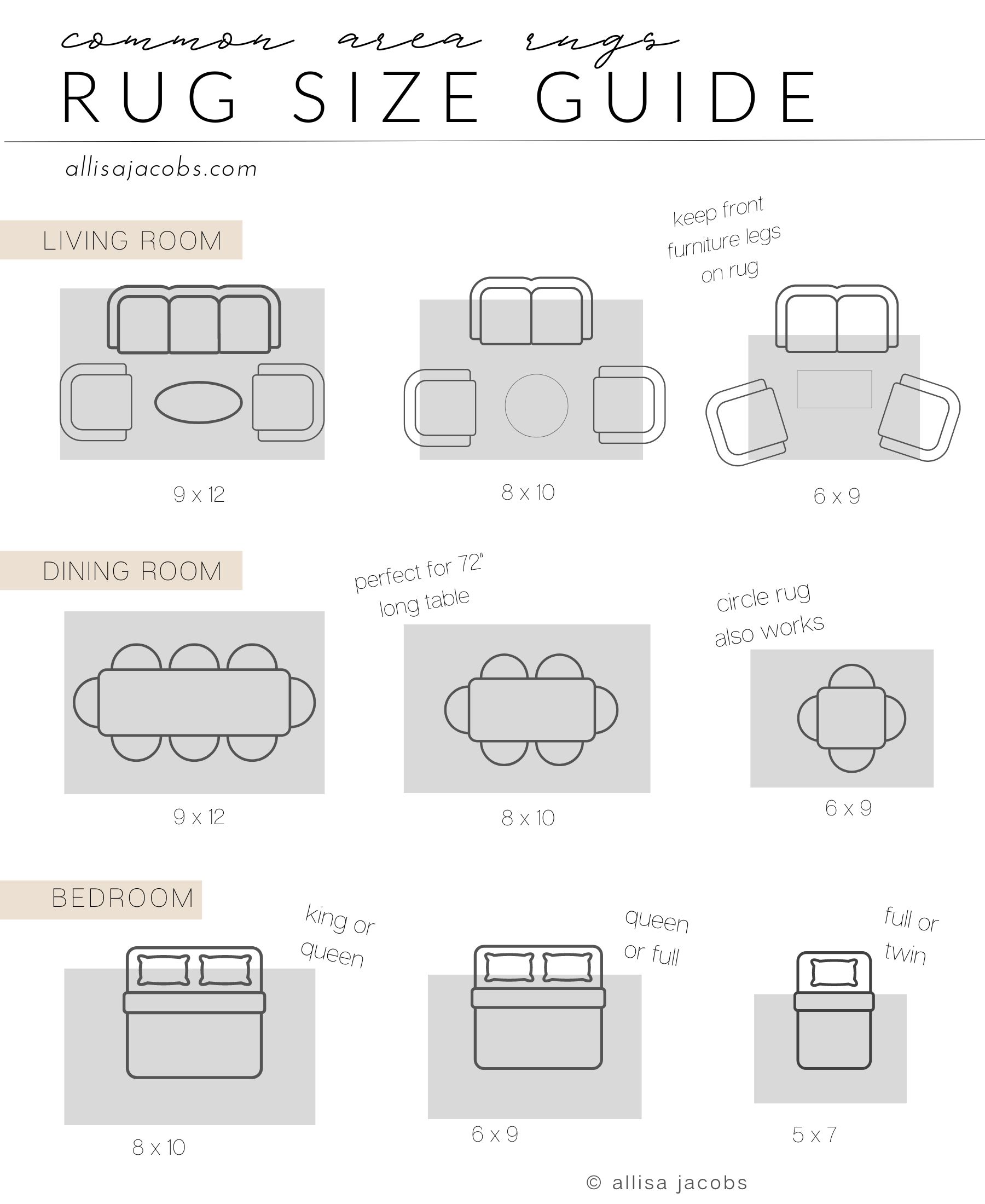
Rug size depends on your desk dimensions and chair movement range. Here are reliable starting points:
- Small desk up to 48 inches wide: 5 feet by 8 feet
- Medium to large desk: 8 feet by 10 feet
- L-shaped or corner desk: 9 feet by 12 feet or larger
A 5 by 8 foot rug works well for most standard desks, especially when paired with a non-slip pad. One verified user reported success with a Ruell Black Rug from Crate and Barrel in this size, noting it fully supported both desk and chair motion.
L-Shaped and Corner Desks
These require more coverage due to their extended shape. A rectangular rug should span both legs of the desk and continue behind the primary seating area. If using a round rug, center it under the main work zone where the chair sits, with a diameter of 6 feet or more being ideal. Smaller round rugs under 51 inches often fail to cover chair movement and look unbalanced. Avoid cutting corners literally, as a rug that only partially covers one arm of an L-shaped desk creates visual clutter rather than cohesion.
Select Chair-Friendly Materials
Opt for Low-Pile Rugs
Low-pile rugs are essential for smooth chair rolling. High-pile, shag, or thick looped rugs create resistance, making movement difficult and causing the rug to wrinkle or shift over time.
Best materials for under-desk use include flat-weave cotton or jute, berber or low-loop synthetic blends, and wool-nylon blends that offer durability and softness underfoot. These provide comfort without sacrificing mobility.
Avoid Problematic Textures
Steer clear of shag rugs where wheels sink in and cause drag, loose-weave rugs that can snag on casters, and fringed edges that are prone to damage from chair wheels. Instead, choose tight weaves with bound edges for longevity and performance.
Prevent Desk Wobble and Instability
Level the Desk on Thick Rugs
Thick or plush rugs can cause desk legs, especially the back ones, to sit unevenly, leading to annoying wobbling that can damage your desk structure over time. To fix this, use furniture glides or felt pads to raise back legs slightly, choose a thinner rug or add a firm rug pad for even compression, and test stability by gently rocking the desk after placement.
Use Non-Slip Rug Pads
Even the best-placed rug can slide over time, especially on smooth floors. A non-slip rug pad does more than prevent movement. It cushions the rug, reduces noise, and extends its lifespan significantly. Look for pads labeled gripper or anti-slip, suitable for your specific floor type, and trim-to-fit for custom sizing. This small addition makes a big difference in both safety and function.
Align with Room Layout and Aesthetics
Center the Rug Under the Work Zone
For visual balance, align the rug with the primary axis of the room, usually parallel to walls or centered under the main furniture group. In open-plan spaces, center the rug under the chair and desk combo, not just the desk alone. This anchors the entire workspace and defines it as a distinct zone.
Use Color and Pattern Strategically
A rug can enhance focus, define space, and reflect your style. Dark rugs hide dirt and wear well in high-use areas, neutral tones blend with any decor ideal for multi-use rooms, and bold patterns or colors define a workspace in shared areas like an office in a living room. For example, a dark blue desk pairs beautifully with a teal-green or navy rug, creating a cohesive calming environment.
Adapt for Special Use Cases
Multi-Functional Rooms
If your office doubles as a guest room or media space, choose a low-profile durable rug that can handle frequent furniture changes. Roll-up or modular rugs offer flexibility, allowing you to easily shift or store the rug when the sofa bed is deployed.
Feng Shui and Energy Flow
In Feng Shui, the desk should be in a command position facing the door but not directly in line with it. The rug supports this by grounding the desk and creating a stable secure base. Choose a rectangular rug symbolizing stability in earth tones like beige, terracotta, or brown to promote focus and calm.
Cold Climates and Comfort
Rugs provide thermal insulation, keeping your feet warm during long work sessions. In cooler environments, a rug that extends fully under the desk and chair path adds noticeable comfort. A rug 130 to 160 centimeters in diameter or larger ensures your feet stay on the warm surface even when shifting in your seat.
Frequently Asked Questions About Placing Rugs Under Desks
What size rug do I need for a standard desk?
For a standard desk up to 48 inches wide, a 5 by 8 foot rug is the minimum recommended size. This provides enough coverage for the desk legs and chair movement while keeping costs reasonable.
Can I use a high-pile rug under my desk?
High-pile or shag rugs are not recommended for desk areas because they create resistance when rolling your chair, cause the rug to bunch and wrinkle, and lead to faster wear from caster movement. Low-pile options perform much better.
Should all four desk legs sit on the rug?
Ideally yes. Having all four legs on the rug provides the most stable and cohesive look. However, having at minimum the front two legs on the rug is acceptable if your room layout or rug size makes full coverage impractical.
How do I protect my rug from chair wheel damage?
Use a low-pile rug with bound edges, add a non-slip rug pad underneath, and consider placing a clear plastic floor mat on top of the rug specifically under the chair path. This protects the rug while allowing smooth rolling.
Can I use a round rug under a desk?
Yes, but it must be large enough. A round rug should be at least 6 feet in diameter to adequately cover chair movement and maintain visual balance. Smaller round rugs often look disproportionate and fail to support the chair’s full range of motion.
How often should I rotate my desk rug?
Rotate the rug every 6 to 12 months to prevent uneven wear from consistent chair path pressure. This extends the rug’s lifespan and maintains even appearance.
Key Takeaways for Placing a Rug Under Your Desk
Successfully placing a rug under a desk comes down to three core principles. First, size matters. Your rug must be large enough to cover all desk legs and accommodate your chair’s full backward movement, with a minimum of 5 by 8 feet for standard desks. Second, material matters. Choose low-pile tight-weave rugs that allow smooth chair rolling and resist wear from casters. Third, placement matters. Center the rug under the combined desk and chair work zone, not just the desk alone, and always use a non-slip pad to prevent shifting and protect your flooring.
With the right size, material, and placement, your rug becomes an invisible helper that protects your floor, enhances comfort, reduces noise, and ties your entire room together. Take time to measure your space and chair range before purchasing, and your workspace will reward you with years of functional beauty.





