
A cluttered desk doesn’t just look messy. It slows you down, distracts your focus, and increases stress. Learning how to organize desk space properly transforms your productivity, reduces decision fatigue, and creates a workspace you actually want to sit at. Whether you’re working from home, running a side hustle, or studying, an intentional setup makes all the difference.
This guide walks you through a proven, step-by-step system to declutter, assign homes, optimize zones, manage cables, and maintain your desk long-term. You don’t need perfection. You need progress. Start with one drawer or surface area, build habits slowly, and watch your efficiency grow.
How to Declutter Your Desk: Complete Surface-to-Drawer Reset
Start fresh by removing everything from your desk and drawers. This full reset gives you a blank slate and forces you to evaluate what is truly needed.
Remove All Items Completely
Take off every object: pens, papers, tech, decor, supplies. Place them on the floor or a nearby table. Wipe down the entire desk surface and drawers with a microfiber cloth to eliminate dust and grime. This physical cleanup signals a mental reset. Your workspace is now open for intentional design.
Sort Into Temporary Zones
Use labeled bins or tape-off areas to group items into these categories:
• Keep
• Relocate
• Donate or Sell
• Trash
• Digitize
This sorting method prevents impulsive decisions and ensures every item earns its place back on the desk.
Discard What You Do Not Need
Ruthlessly eliminate these items:
• Dried-out pens, broken pencils
• Crumpled sticky notes, old receipts
• Tangled or damaged cords
• Duplicate office supplies
• Unused gadgets or chargers
If you have not used something in six months, it likely does not belong on your desk. Store infrequent-use items elsewhere, such as a closet, shelf, or storage bin.
Give Every Item a Home: The Core Principle of Desk Organization
Every item must have a specific, consistent spot. No more “I’ll put it back later.” The rule is simple: a place for everything, and everything in its place.
Use the Happy Home Rule
This mindset shift treats organization as care, not control. Ask yourself: does this pen, cable, or notepad have a happy home? If not, it will eventually end up scattered. Choose storage that matches your behavior:
• Detail-oriented users: clear labeled containers, strict categories
• Creative or spontaneous users: open trays, broader bins, flexible zones
• Hybrids: modular systems you can reconfigure
Secure Drawers and Bins
Prevent sliding with these solutions:
• 3M Museum Wax (clear, removable, non-damaging)
• Non-slip drawer liners
• Removable adhesive putty
For adjustable dividers, use Command cord clips attached to the bottom of drawers to lock them in place.
Set Up Desk Zones for Maximum Efficiency and Focus
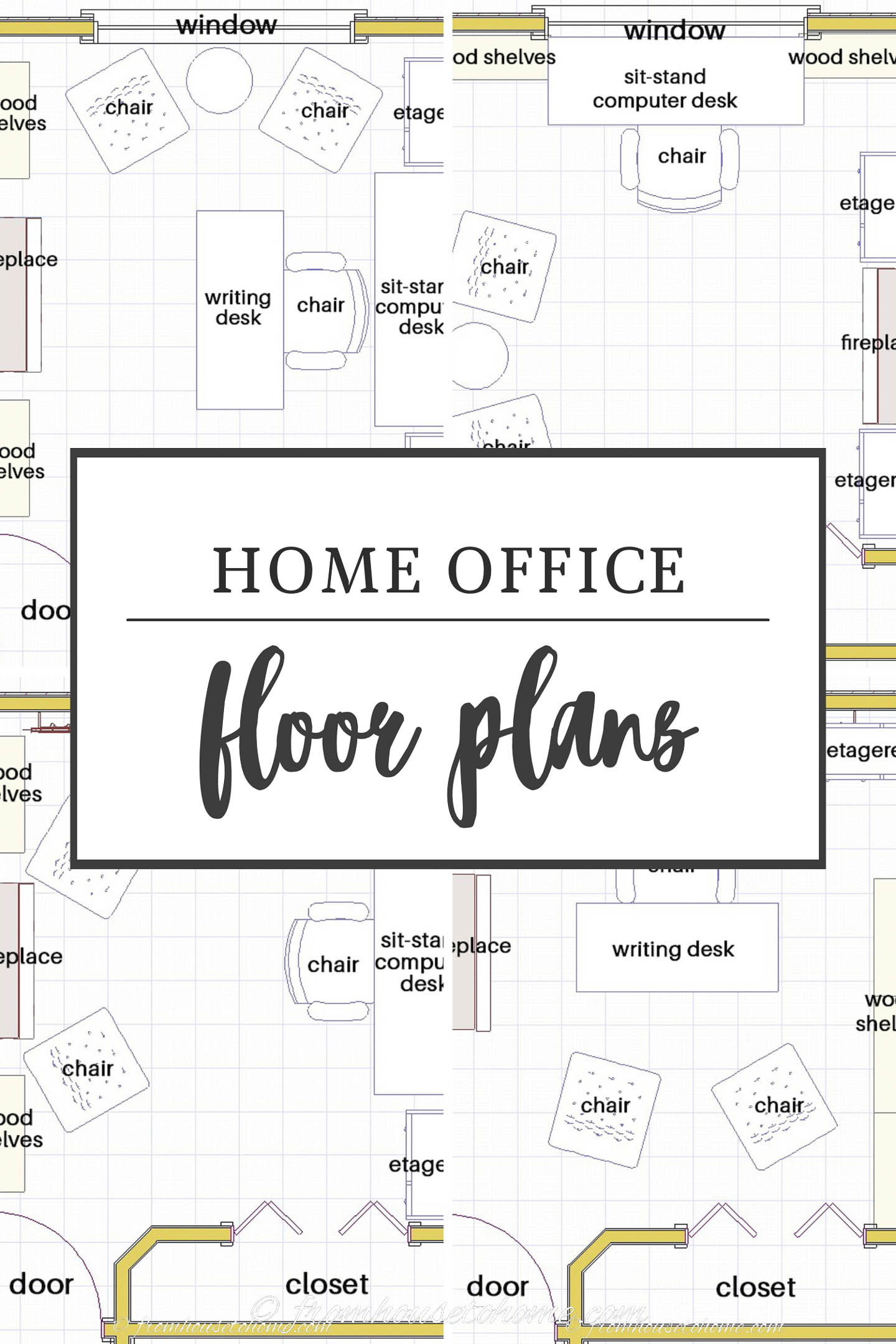
Divide your desk into three functional zones to reduce movement, boost focus, and keep essentials accessible.
Primary Zone: Active Work Area
This zone sits directly in front of you, within arm’s reach without leaning. It should contain:
• Monitor(s)
• Keyboard and mouse
• Open notebook or planner
• Current project materials
Goal: maximize open space for writing, sketching, or deep work. Nothing else belongs here.
Secondary Zone: Frequent Use
Just outside the primary zone, house items used multiple times per day:
• Phone
• Water bottle
• Pens, sticky notes
• Desk lamp
• Charging station
Use a desktop tray, corral, or organizer to contain these items and prevent sprawl.
Tertiary Zone: Reference and Storage
Outer edges or nearby shelves hold infrequently used items:
• Stapler, hole punch, tape dispenser
• Extra paper, envelopes, binders
• Reference books, bulk supplies
Use vertical storage like pegboards, monitor risers with drawers, or wall shelves to preserve desktop space.
Best Desk Storage Solutions: Drawers, Shelves, and Vertical Space
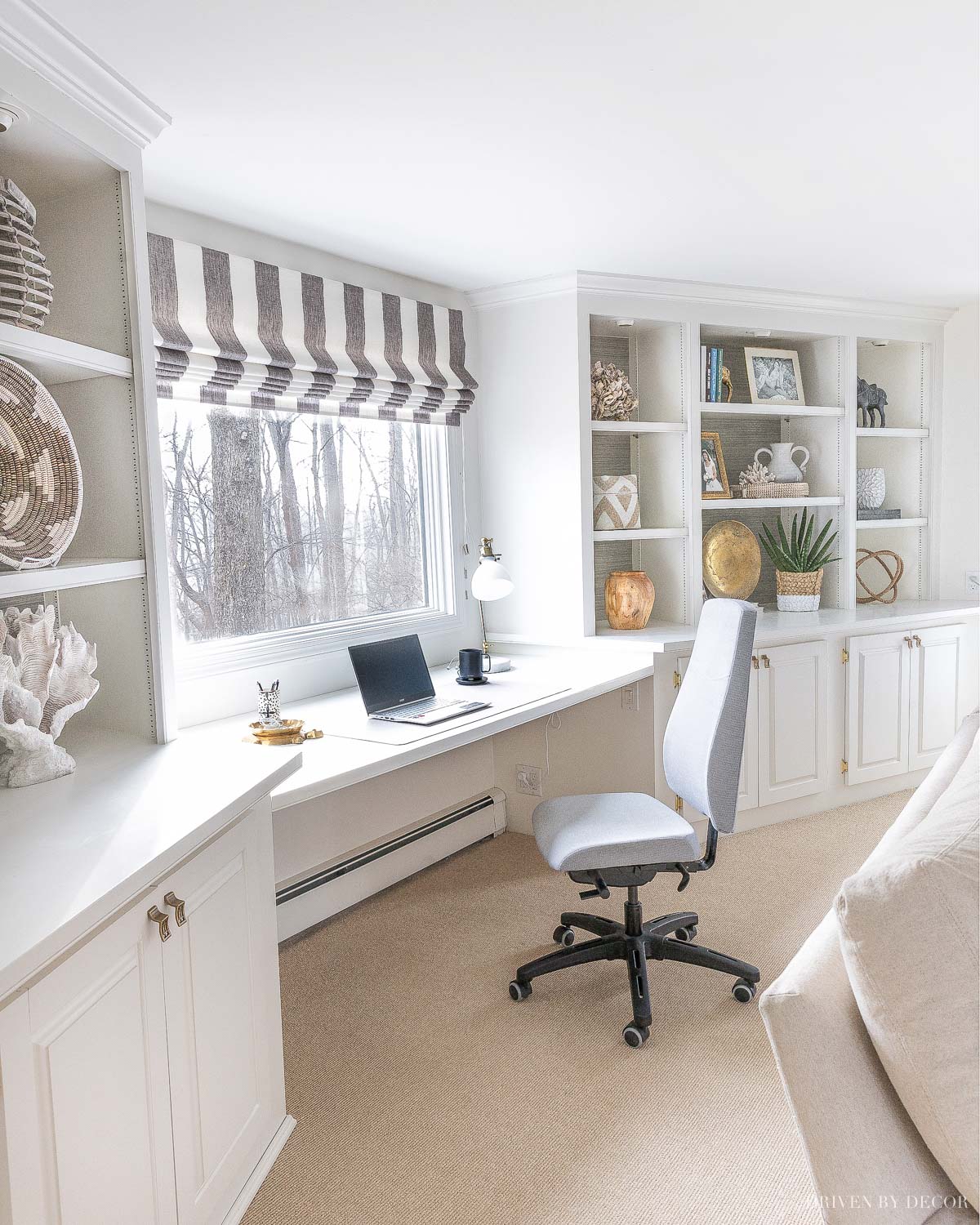
Choose organizers that are both functional and visually calming. Clutter-free design reduces cognitive load and supports focus.
Drawer Organization That Lasts
Measure drawers first. Do not guess. Use adjustable clear bins from The Container Store or Poppin. Layer shallow trays in front with deeper bins in back. Line with marble-pattern contact paper for style and protection.
Example: Top drawer for daily tools like pens and scissors, bottom drawer for clipboards or emergency snacks.
Wall-Mounted Systems
Maximize vertical space with these options:
• Pegboard: hang scissors, rulers, headphones, notepads
• Cork board: pin to-do lists, calendars, inspiration
• Magnetic strip: mount metal tools like scissors and staplers
• Perch Magnetic System: reconfigurable wall modules from The Container Store
These keep tools visible and accessible without eating desk real estate.
Floating Shelves and Monitor Risers
Install floating shelves above desk for notebooks, reference books, or a small printer. Use a monitor riser with a drawer to elevate your screen to eye level (better posture) while storing flash drives, cables, and labels underneath.
Tiered Desktop Organizers
Stack letter trays to separate incoming and outgoing mail, organize active projects, or categorize supplies. This prevents horizontal clutter and supports quick access.
Master Cable and Tech Management for a Clean Desk Setup
Tangled cords are the number one visual cue of disorganization. Fix them once, and your desk instantly looks professional.
Bundle and Label Cables
Use velcro ties, not zip ties (they are permanent). Label each cord: monitor, laptop charger, dock. Bundle related cords with braided sleeves or cord wrappers. Keep only essential devices plugged in during work hours.
Route Cables Under Desk
Attach adhesive clips or under-desk trays to route cords neatly. Mount a power strip underneath with screws or Command strips. Avoid daisy-chaining power strips. It is unsafe and messy.
Set Up a Charging Station
Create a central hub for phone, tablet, earbuds, and smartwatch. Use tethered cables to prevent tangles. Choose models with USB hubs and built-in cord storage. Place in your secondary zone, within reach but not in the way.
Go Paperless: Digital-First Document Organization Strategy
Paper piles up fast. Stop the cycle with a two-pronged approach: digitize first, organize the rest.
Scan and Shred
Use Adobe Scan or CamScanner to digitize documents. Save to Google Drive, Dropbox, or OneDrive. Apply a naming convention: YYYY-MM-DD_Description_Version.pdf. Shred originals unless legally required. Digitized files are searchable, backed up, and immune to spills.
Active Paper Management
For papers you must keep temporarily:
• Inbox bin: catch incoming mail, bills, receipts
• Accordion file folder: sort by category (bills, projects, personal)
• Color-code tabs: red for urgent, blue for client work, green for personal
Process your inbox daily using the One-Touch Rule. Do it if it takes less than two minutes. File it (physical or digital). Delegate it. Or trash or recycle it.
Why Labeling Your Desk Items Saves Time and Mental Energy
Labels eliminate guesswork. Even if you know where things go, labels help others and future-you stay consistent.
Choose the Right Label Type
• Cricut Joy or Explore: custom vinyl labels, durable and cute. Use Smart Vinyl (no cutting mat). Try fonts like Beet for a modern look.
• Avery 5160 or 6550: printable glossy labels, home-printed. Gold borders add a premium feel.
• Smart Label (Cricut): machine writes and cuts, creating handwritten-style labels.
Apply Labels Like a Pro
Use transfer tape for smooth, wrinkle-free application. Label bins, drawers, folders, cables, and charging ports. Add icons instead of words for faster recognition, like a scissors icon. Implement color-coding: red for urgent, blue for client work, green for personal, yellow for finance.
Organize Your Digital Desk Too: Computer and File Management
A clean physical desk means nothing if your computer desktop is a mess of 200 unsorted files. Extend organization to your digital workspace.
Clean Your Computer Desktop
Goal: either completely clear or fully organized. Create main folders: Projects, Clients, Admin, References. Make subfolders by date or deliverable, like 2025-04_Invoices or ProjectX_Drafts. Delete screenshots, duplicates, and old downloads.
Use Consistent File Naming
Format: YYYY-MM-DD_Description_Version.docx. Example: 2025-04-05_WebinarDeck_v3.pptx. This makes files searchable and chronological.
Sync Digital with Physical Systems
Your Action Required folder equals your inbox tray. Your Completed folder equals your outbox tray. Use Notion, Evernote, or OneNote for digital note-taking. Keep browser tabs minimal. Use bookmarks or read-later apps instead.
Optimize Desk Ergonomics and Environment for Better Focus
An organized desk should also support your health and focus.
Lighting Matters
Position your desk near natural light if possible. Angle your monitor to avoid glare. Use an adjustable desk lamp with warm or daylight mode. A clamp-on lamp saves surface space.
Chair and Posture Setup
Use an ergonomic chair with lumbar support. Keep feet flat on the floor or on a footrest. Maintain elbows at 90 degrees with wrists straight. Set your monitor at eye level using a riser if needed.
Minimize Distractions
Turn off non-essential notifications. Use a Pomodoro timer for 25-minute focus blocks. Keep your phone out of immediate reach. Face the door if possible to reduce interruptions.
Add Personal Touches That Inspire Your Best Work
An organized desk should feel like your space, not a sterile office.
Include Uplifting Elements
Add family photos, motivational quotes, small plants like succulents, pothos, or snake plant, and artwork or posters. These touches boost mood and make you want to stay at your desk.
Choose Functional Aesthetics
Pick organizers that are both useful and beautiful. Frosted acrylic bins, wood-toned trays, and matte black or gold accents work well. Match your room’s style, whether it is light and bright, rustic, or modern, to create cohesion.
Maintain Your Organized Desk System Long-Term
Organization fails without maintenance. Build small habits that keep your desk clean long-term.
Daily Reset Routine (5 to 10 Minutes)
At the end of each workday, return all items to their homes. Wipe down your desk, keyboard, and mouse. Clear your digital desktop. Write down your top three priorities for tomorrow. This ritual, based on David Allen’s GTD method, sets you up for success.
Weekly and Monthly Habits
Weekly: clear your inbox bin, check your charging station, archive digital files. Monthly: deep clean drawers and dust shelves. Quarterly: refresh your system by adjusting zones, updating labels, and digitizing more. Systems evolve. Reassess every three to six months.
Specialized Desk Organization Tips for Different Work Styles
Tailor your desk to your role for maximum efficiency.
For Small Business Owners
Store packing supplies in clear bins: mailers, labels, tissue paper. Use Avery address labels for a professional look. Keep freebies and promo items in a designated tray.
For Creatives and Crafters
Hang scissors, rulers, and craft knives on a pegboard. Use small bins for beads, thread, and paint. Store sheet labels flat in tiered trays to prevent curling. Use Cricut Joy for quick, small labels.
For Remote Workers
Ensure a clean background for Zoom calls. Use noise-canceling headphones and a dedicated mic. Keep an Ember smart mug (temperature-controlled) within reach.
Frequently Asked Questions About How to Organize Desk
How often should I declutter my desk?
Perform a full declutter every three to six months. However, practice daily maintenance by returning items to their homes after each use. Small consistent habits prevent clutter from building up again.
What is the most important zone on a desk?
The primary zone, directly in front of you within arm’s reach, is the most important. This is where you do your deepest work. Keep it clear of everything except your monitor, keyboard, mouse, and current project materials.
How do I stop paper from piling up on my desk?
Implement a digital-first strategy. Scan documents immediately using apps like Adobe Scan or CamScanner. Keep an inbox bin for temporary paper storage, but process it daily using the One-Touch Rule. Shred or file anything that sits for more than 24 hours.
What is the best way to manage desk cables?
Bundle cables with velcro ties and label each one. Route them under the desk using adhesive clips or under-desk trays. Mount a power strip underneath to keep everything accessible but hidden. Use a charging station with tethered cables for devices.
How do I maintain my organized desk long-term?
Create a daily reset routine lasting five to ten minutes at the end of each workday. Return items to designated homes, wipe surfaces, and clear your digital desktop. Review and refresh your system monthly and quarterly.
Can I organize my desk on a budget?
Absolutely. Start by decluttering with what you already have. Use household items like mason jars for pen storage or shoe boxes for drawer organizers. Label with tape and a marker. Upgrade to better solutions only when your needs become clear.
Key Takeaways for Organizing Your Desk Effectively
Organizing your desk is not about achieving a perfect, Instagram-ready setup. It is about creating a system that works for your specific workflow and habits. Start small by decluttering one drawer or one zone at a time. Assign a home to every item, use zones to minimize movement, and master cable management for an instant visual upgrade.
Maintain your system with a brief daily reset routine, and refresh your organization quarterly as your needs evolve. A clean, intentional workspace reduces stress, saves time searching for items, and makes you more productive every single day. Use the strategies in this guide to build a desk that supports your best work, now and for years to come.





