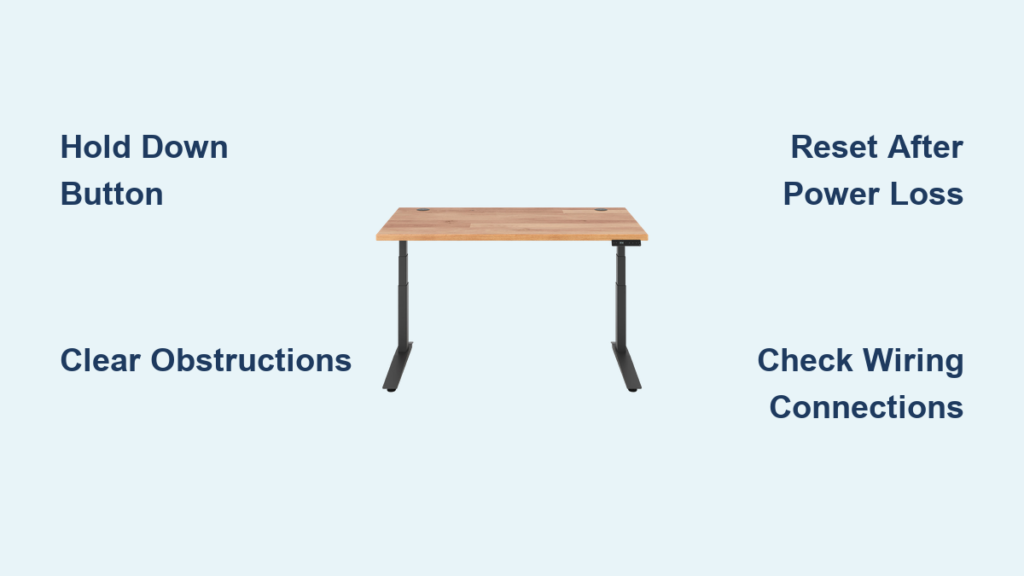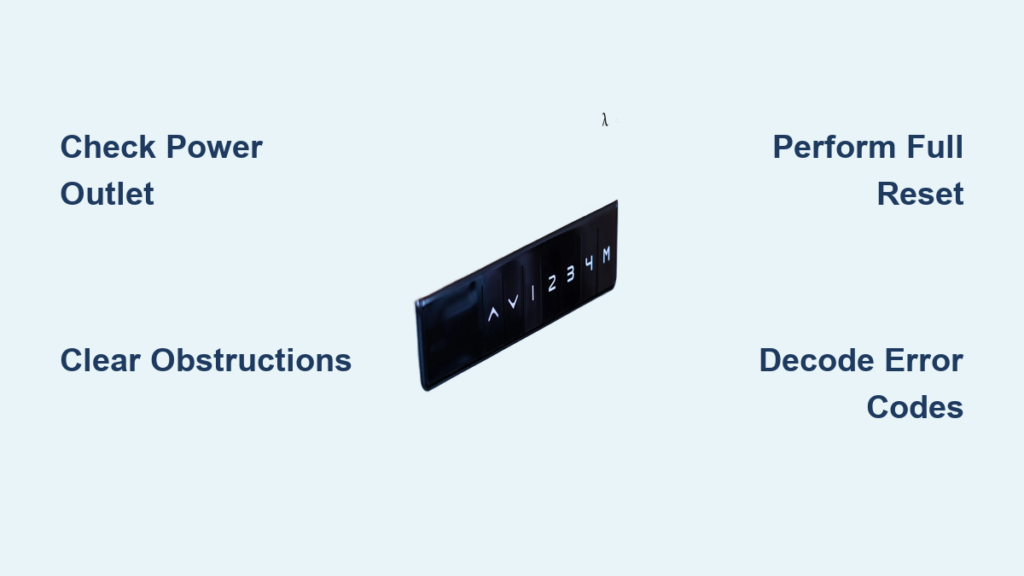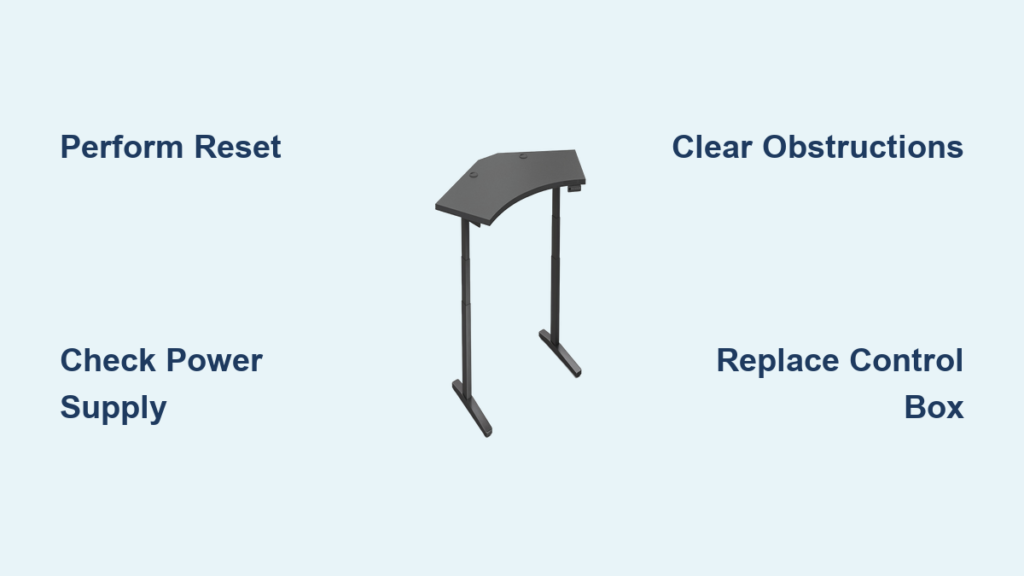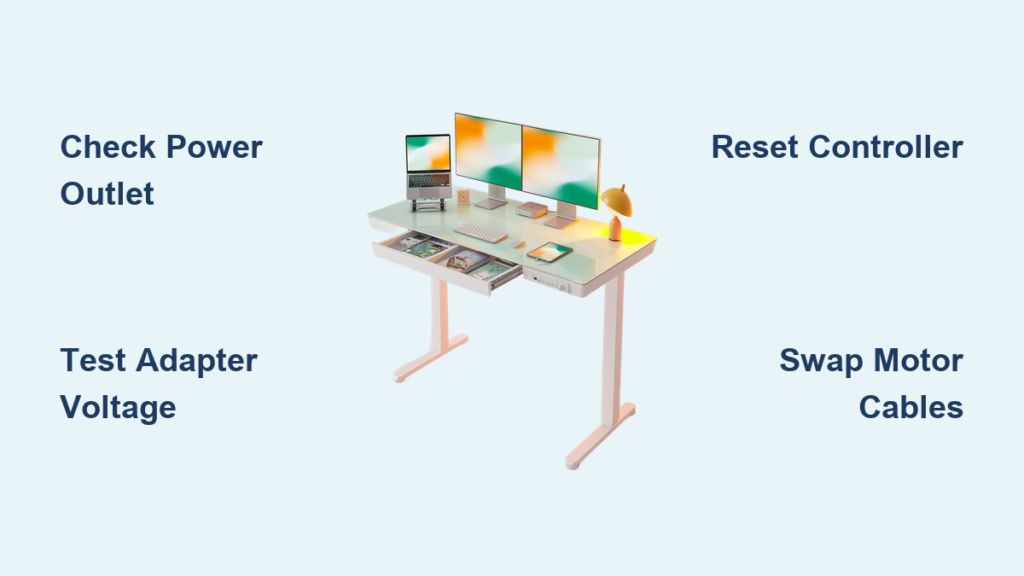
Is your Fezibo electric standing desk not working? You are not alone. Many users face issues like unresponsive controls, error codes, uneven lifting, or complete power failure. When your desk stops adjusting height, it disrupts productivity and comfort, especially if you rely on sit-stand transitions throughout the day. The good news: most Fezibo desk problems can be diagnosed and fixed at home with basic troubleshooting. This guide covers every known issue, from E01 and E04 error codes to stuck legs and dead controllers, and provides step-by-step solutions verified by user reports and official support.
Power Issues: Desk WonT Turn On
Check Outlet and Power Connection
If your Fezibo desk shows no lights and does not respond, start with the basics. Plug a lamp or phone charger into the same outlet to confirm it is live. Next, ensure the power cable is fully inserted into both the wall and the desk input port. Partial connections are a common cause of failure. Avoid using extension cords or power strips with surge protection that may block low-voltage signals. Use a direct wall outlet whenever possible.
Test the Power Adapter Output

A failing power adapter is a frequent culprit. Locate the specs on your adapter label. Most Fezibo desks use 24V or 48V DC output. Use a multimeter to test voltage. Set the multimeter to DC voltage, insert probes into the adapter output jack, and read the display. If the reading is below 90% of the rated voltage, the adapter is faulty and must be replaced. Contact FEZIBO support for an OEM replacement to avoid compatibility issues.
Perform a Hard Reset
Even with power, internal capacitors can trap residual charge, causing lockups. Unplug the desk for at least 5 minutes to discharge the system completely. This clears temporary faults in the control box. After waiting, reconnect power and press the up/down buttons. If the controller lights up, the reset worked. No response? Move to wiring inspection.
Controller Problems: Unresponsive or Flickering
Reconnect Controller Cables
Loose cables between the controller and control box often cause flickering or dead displays. Access the control box under the desktop. Unplug and firmly reseat the controller ribbon cable, ensuring it clicks into place. Also check motor and power cables for secure connections. Damaged or bent pins require professional repair or replacement.
Swap Motor Cables to Diagnose

On dual or triple-motor desks, swap the motor cables at the controller end. If the problem shifts to the other leg, the motor is likely good and the issue lies in wiring or the controller output. If the same leg remains dead, suspect a faulty motor or drive rod issue. Label cables before swapping to avoid confusion.
Replace the Controller Unit
If no lights appear after power and cable checks, the controller PCB may be dead. Contact service@fezibo.com for a replacement. Include a short video showing no response when buttons are pressed. FEZIBO typically replaces controllers under the 2-year electronics warranty, provided you register the desk and supply proof of purchase.
Fix Error Code E01: Initialization Failure
Clear Obstructions and Level the Desk
E01 appears on HEZ, AGE, and JCH models when initialization fails. First, remove all items from the desk. Check for carpet bunching, walls, or furniture blocking leg movement. Place the desk on a flat, level surface. Uneven floors prevent proper sync. Use a spirit level across the desktop to verify.
Reset for HEZ and AGE Models
For HEZ/AGE controllers, power off the desk. Press and hold the up and down buttons simultaneously. Hold for at least 8 seconds. The desk should lower fully and rebound slightly. This forces reinitialization. If E01 returns, repeat once more. Still failing? The motor or wiring may be damaged. Contact support with a video of the error.
Reset for JCH Models
JCH systems require a two-stage reset. Press and hold up and down until RSt appears. Keep holding until the desk reaches lowest height. Release and test operation. If RSt flashes but no movement occurs, the motor is not receiving signal. This likely indicates a control box or motor fault.
Fix Error Code E04: Obstruction Detected
Inspect Legs and Wiring
E04 triggers when the system senses resistance. Visually inspect both legs for debris, twisted cables, or contact with flooring. Ensure drive rods are fully seated. Look for alignment marks on the inner tubes. Loose rods cause false obstruction signals. Tighten all frame screws, especially at the crossbar.
Perform E04 Reset Procedure
Unplug the desk. Wait 30 seconds. Reconnect power. Press and hold up and down for 5 to 10 seconds. Hold until the desk moves downward and reaches the bottom. User reports confirm that if the desk stops but E04 remains, press and hold again. A small down-then-up motion indicates successful reset. Avoid rapid retries. Wait 1 minute between attempts.
Fix Error Code E11: Motor Leg Failure
Confirm Motor Communication Fault
E11 typically means a motor leg has failed or lost communication. After performing a full reset, if one leg still does not move, the issue is likely hardware-based. Swap motor cables. If the problem stays with the same leg, the motor is defective.
Claim 5-Year Motor Warranty
FEZIBO offers a 5-year warranty on motor legs. Email service@fezibo.com with your desk serial number, a video of E11 error and reset attempt, and a photo of the control box label. Most users receive a replacement motor leg within 7 to 10 days. Installation is tool-free on most models. Disconnect the old motor, plug in the new one, and reinitialize.
Fix Error Code E03 and E5: Overload and Stall
Remove Load and Reset
E03 on DWK/HEZ models and E5 on user-reported cases indicate overload or motor stall. Clear the desktop completely. Ensure weight is evenly distributed. Avoid heavy monitors on one side.
For DWK models, press and hold down for 6 to 10 seconds. Wait for E-1 or rES to display. Release, then press down again until lowest height shows. For E5, apply gentle downward pressure on the desk while holding down. Some users resolve E5 by leaning down slightly and pressing the button. This relieves internal gear tension.
Fix Undocumented Code R66: System Crash
Force Reset with Physical Pressure
R66 is not in official documentation but reported by users experiencing system crashes. It likely indicates firmware failure or communication breakdown. Try applying light downward pressure. Hold down for 10 or more seconds. If no movement, try up with upward pressure. One user resolved E1, E3, and R66 together using this method. If unsuccessful, unplug for 10 minutes and retry. Still stuck? Contact support with a video. R66 requires backend verification for replacement approval.
Fix F01-F13, HOT, ovr, dut, rES Codes
Resolve JCH Overheating HOT
HOT means the motor or control system is overheated. Stop using the desk and let it cool for 30 or more minutes. Avoid making more than 5 to 6 full up/down cycles in quick succession. After cooling, reset using the JCH procedure. Hold up and down until RSt appears.
Clear DWK Overload ovr and Duty Cycle dut
Ovr means overload. Remove weight and hold down to reset. Dut means duty cycle exceeded. Wait 10 to 15 minutes. The system resets automatically after cooldown. rES is part of the reset process. Press down until height reappears.
F01-F13 codes on JCH models point to motor faults. Perform factory reset and test each leg. If error persists, contact support.
Desk Lifts Unevenly or One Side Stalls
Tighten All Structural Screws
Loose connections cause imbalance. Use a hex key to tighten leg-to-frame bolts, crossbar screws, and motor mounting brackets. Even slight play can throw off synchronization. Check all fasteners monthly as part of maintenance.
Reinitialize After Cable Swap
Uneven movement often stems from desynchronized motors. Perform a full reset after ensuring drive rods are fully inserted. If one leg lags, swap motor cables at the controller. If the fast leg stays fast, the controller output may be faulty.
Desk Is Tilted or Unbalanced
Adjust Footpads on Uneven Floors
Not all floors are level. Use the screw-in footpads under each leg to compensate. Lower the desk fully. Rotate footpads to extend or retract. Use a spirit level on the desktop. Adjust until bubble is centered. This ensures both legs bear equal load and move smoothly.
Strange Noises: Grinding or Clicking
Lubricate Drive Rods Properly
Grinding often comes from dry screw drives. Use dry Teflon-based lubricant. Lower the desk fully. Spray lightly on exposed screw shafts. Wipe excess. Cycle desk 3 to 5 times. Never use oil-based lubes. They attract dust and cause buildup.
Inspect for Loose Fasteners
Clicking noises usually mean loose screws. Inspect motor housing bolts, guide rail brackets, and frame connectors. Tighten any that rattle. Persistent noise after tightening suggests internal motor failure. Contact support.
Reset Procedures by Model Type
DWK Controller Reset Steps
For manual reset on DWK models, hold down for 6 to 10 seconds. Wait for E-1 or rES to display. Release, then press down until height shows. For factory reset, hold the S button for 10 to 15 seconds. Wait for FAC to display. Release and press again.
JCH Controller Reset
Lower the desk completely. Hold up and down for 7 seconds. RSt should appear. Hold again for 7 seconds. Height display appears when complete.
HEZ and AGE Full Initialization
For HEZ, hold down for 6 seconds. Listen for a dee sound plus rebound. For AGE, hold up and down for 8 or more seconds until the desk lowers and bounces slightly. If RSt appears during reset, keep holding until motion stops.
Prevent Future Failures
Avoid Overloading and Rapid Cycling
Stay under the 80 to 100 kg weight limit. Distribute weight evenly. Avoid heavy gear near the front edge. Limit consecutive height changes to prevent overheating. Wait 30 seconds between full cycles.
Clean Connections and Use Surge Protection
Dust and corrosion disrupt signals. Every 6 months, unplug the desk. Clean cable connectors with isopropyl alcohol. Inspect for frayed wires. Use a surge protector to guard against voltage spikes.
Perform Routine Resets
Even if working fine, perform a full reset every 3 to 6 months. This keeps motors synchronized and clears firmware glitches.
When to Contact FEZIBO Support
Submit Video for Warranty Claims
If troubleshooting fails, email service@fezibo.com with your desk model and serial number. Include a clear video of the error and reset attempt. Describe the steps already taken. FEZIBO often requires video proof before approving replacements. Be persistent. Some users report slow responses, but claims are usually honored with proper documentation.
Try Live Chat During Operating Hours
Live support is available 5 AM to 3 PM and 6 PM to 3 AM PDT. This is the fastest way to reach a representative. Have your serial number ready.
Frequently Asked Questions About Fezibo Electric Standing Desk Not Working
Why does my Fezibo desk show no power at all?
Start by checking the wall outlet with another device. Verify the power cable is fully connected at both ends. Try a different outlet. If still no response, test the power adapter with a multimeter. If voltage is low, replace the adapter. If that fails, the control box may be faulty.
How do I reset my Fezibo desk error code?
The reset procedure depends on your controller type. For HEZ/AGE, hold up and down for 8 seconds. For JCH, hold both buttons until RSt appears, then hold again. For DWK, hold down for 6 to 10 seconds until E-1 shows. Always refer to your model-specific procedure.
What does error code E11 mean on my Fezibo desk?
E11 indicates a motor leg failure or communication error. Perform a full reset. If the error persists on the same leg, the motor is defective. Contact FEZIBO for a replacement under the 5-year motor warranty.
Can I fix a Fezibo desk that lifts unevenly myself?
Yes. First, tighten all structural screws. Ensure drive rods are fully seated. Perform a full reset to resynchronize motors. If the problem persists, swap motor cables at the controller to isolate whether the motor or controller is faulty.
Is the Fezibo desk noise during operation normal?
Some noise is normal, but grinding or clicking indicates a problem. Grinding usually means dry drive rods. Apply dry Teflon lubricant. Clicking usually means loose screws. Tighten all fasteners. Persistent noise after maintenance suggests motor failure.
Key Takeaways for Fixing Your Fezibo Standing Desk
Most Fezibo electric standing desk issues are fixable with resets, cable checks, and basic maintenance. Start with power and error code diagnosis, then move to mechanical inspection. Use model-specific reset procedures and leverage the 5-year motor warranty when needed. Document errors with video before contacting support. With proper care, your desk can last for years without failure.