
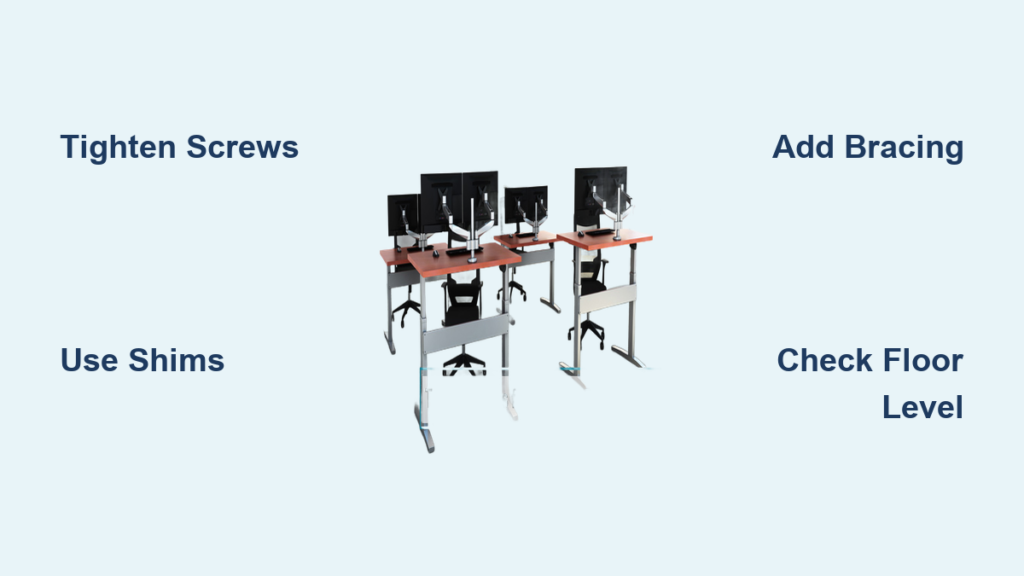
Is your desk shaking every time you type? Does your monitor jiggle when you click the mouse? A wobbly desk isn’t just annoying. It undermines productivity, causes discomfort, and can damage your equipment over time. The good news? Most instability issues are fixable without replacing the entire desk.
Wobbly desks usually stem from loose joints, uneven floors, poor bracing, or material fatigue. Even desks well under their weight limit can wobble due to dynamic forces like leaning, typing, or aggressive mouse use. This guide walks you through diagnosing the exact source of instability and applying targeted, lasting fixes.
Diagnose the Wobble Source
Before grabbing tools, identify what is actually causing the movement. Applying random fixes without diagnosis leads to wasted effort and temporary results.
Perform the Wobble Test
Place your hands on the front edge of the desk and gently push forward, backward, and side to side. Pay attention to these factors:
- Direction of movement: front-to-back, side-to-side, or twisting
- Where the motion starts: is a leg lifting, or are joints flexing
- Location sensitivity: does wobble worsen near the corners or under load
This helps classify the instability. Side-to-side rocking points to weak lateral bracing or uneven floor. Front-to-back sway indicates inadequate front or back support or a loose top. Twisting motion means lack of triangulation or shear resistance.
Check for Loose Fasteners
Flip the desk over and inspect every screw, bolt, and cam lock. Even fasteners that look tight can be micro-loose due to repeated vibration. Use a Phillips screwdriver, hex key, or wrench to retighten all connections, especially at leg-to-frame joints, support beam intersections, and tabletop mounting points. If screws spin freely or feel loose, the hole may be stripped, particularly in particleboard.
Test Floor Levelness
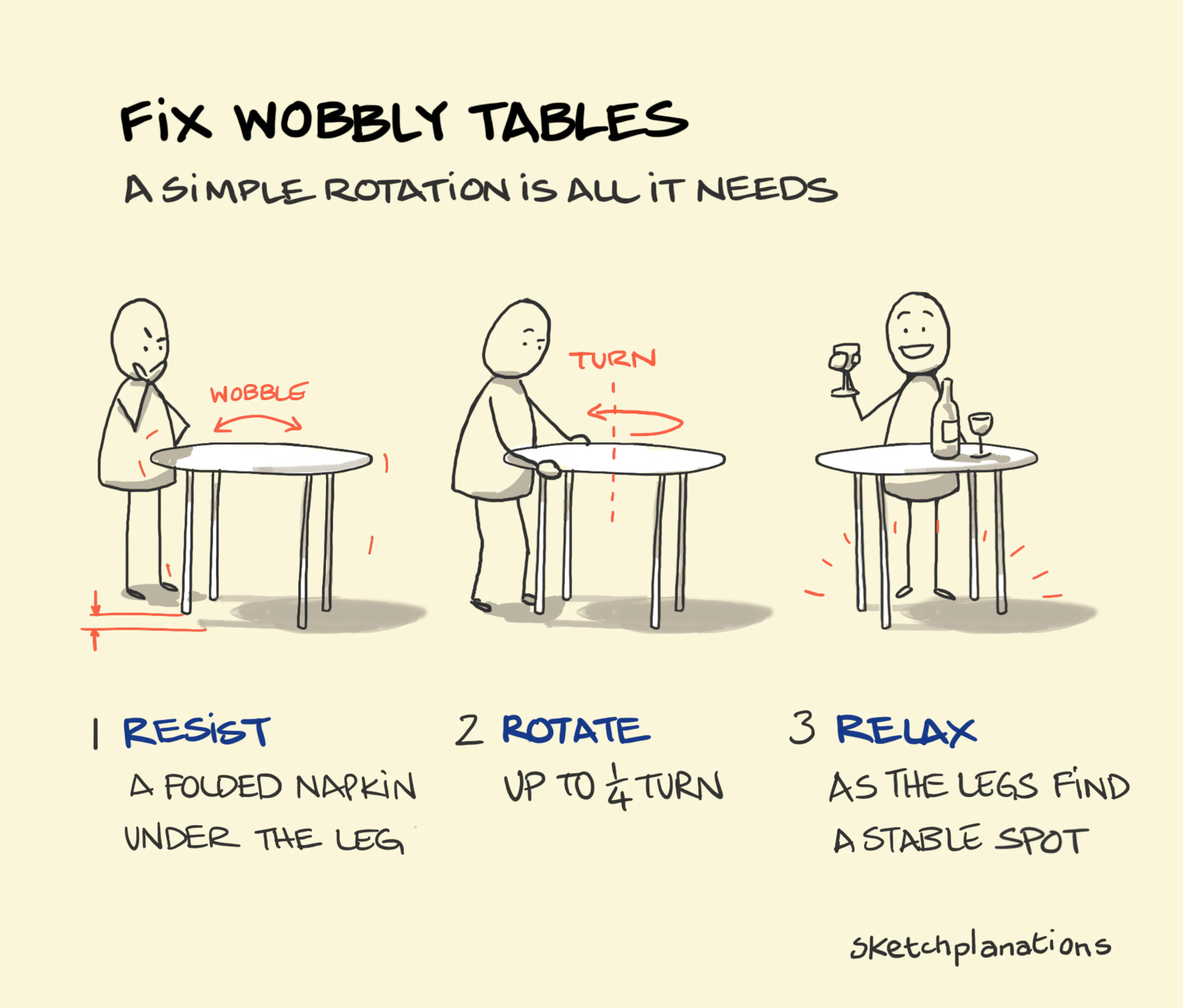
Place a spirit level across the desktop in multiple directions: front-to-back, side-to-side, and diagonally. If the bubble is not centered, your floor is sloped. To confirm, rotate the desk 90 degrees. If the wobble shifts direction, the floor is the culprit. This is common in older homes with sagging subfloors or across flooring transitions.
Immediate Fixes for Desk Wobble
Start with simple, non-invasive solutions that require minimal tools and time.
Tighten All Screws and Bolts
Go beyond a quick twist. Fully re-torque every fastener. For metal bolts, apply thread-locking adhesive like Loctite 242 to prevent future loosening from vibration.
For stripped screw holes in particleboard or MDF, try these solutions:
- Replace with longer or thicker screws for better grip
- Use lag screws or install threaded inserts for permanent hold
- Reinforce cam locks by ensuring dowels are seated and levers are fully locked
Pro Tip: Even factory-tight desks benefit from a full re-tighten after months of use. Vibration from typing slowly loosens joints over time.
Level the Desk with Shims or Pads
If the floor is uneven, compensate with leveling aids. Adjustable leveling feet let you fine-tune leg height. Felt or rubber pads improve grip and distribute contact pressure. Wooden shims or plastic wedges inserted under shorter legs eliminate rocking. Trim excess shim material with a utility knife and add wood glue for permanence.
Reposition the Desk
Sometimes the simplest fix is moving the desk a few inches. Avoid placing it over floorboard seams, carpet transitions, or soft or spongy areas. Test stability in multiple spots. A flatter patch of flooring can eliminate wobble without any modification to the desk.
Reinforce Weak Joints

If tightening and leveling do not help, the problem is structural. Strengthen the weakest links: leg-to-frame and tabletop connections.
Install Wood Corner Brackets
Reinforce loose corners with L-shaped wooden gussets, small triangular or rectangular blocks glued and screwed into internal angles.
What you will need:
- Scrap hardwood, ¾ inch thick, 2 inches by 2 inches minimum
- Drill and pilot bit
- Screws, 1 to 1.5 inches
- Saw
Steps for installation:
- Invert the desk to access the underside
- Cut L-shaped blocks from scrap wood
- Pre-drill pilot holes at an angle so screws bite into both leg and frame
- Position the block snugly in the joint and drive screws
- Repeat on all four corners or focus on the most wobbly side
Expert Note: Pre-drilling prevents splitting, especially in thick or dense wood. Use slightly undersized bits for a tight fit.
Add Structural Bracing for Maximum Stability
The strongest desks use triangulation, the principle that triangles resist deformation. Add bracing to stop racking, the parallelogram shift that causes side-to-side wobble.
Install Diagonal Braces
Cut 2 inch by 1 inch hardwood strips and install them diagonally from near the tabletop to the base of the opposite leg. This turns a flexible rectangle into two rigid triangles.
Key tips for installation:
- Mount braces toward the rear to preserve knee space
- Use screws at both ends for easy removal
- Repeat on the opposite side for balanced support
- Round or bevel edges for comfort
For a sleeker look, use metal Z-brackets or tension rods with turnbuckles, which allow micro-adjustment and are ideal for large gaming desks.
Build a Full Back Panel
The most effective bracing method: attach a ¼ inch to ½ inch plywood or MDF panel across the entire back of the desk frame. It acts as a shear wall, resisting twisting and lateral forces. Screws every 6 to 8 inches lock the entire frame together. The panel can be painted or stained to match. Even a panel covering half the leg height significantly improves rigidity, but full height is best for heavy setups.
Upgrade Horizontal Supports
Prevent legs from splaying outward by adding beams between them.
Add Front and Side Stretchers
Install horizontal stretchers at mid-height or near the floor. A front stretcher goes between front legs. A rear stretcher goes between back legs. X-bracing uses two diagonal pieces forming an X under the desk.
Use strong wood like oak or steel tubing. Join with pocket screws for hidden fasteners, lag bolts for maximum strength, or threaded inserts for particleboard. These turn the frame into a rigid box structure, dramatically reducing flex.
Reassemble and Reglue Loose Joints
For vintage or solid wood desks, degraded glue joints are often the real culprit, not loose screws.
When to Disassemble
Consider disassembly when you see visible gaps at leg-to-rail joints, when one leg moves independently, or when the desk was assembled with screws only.
Repair steps:
- Remove the leg or rail
- Scrape off old glue and clean surfaces
- Apply wood glue like Titebond III to both mating parts
- Reassemble and clamp tightly for 24 hours
- Reinforce with screws or dowels if needed
- Wipe excess glue before it dries
Expert Advice: “You cannot fix a wobbly wooden desk properly without regluing the joints. Screws alone will not hold under daily stress.” Glue increases joint strength by up to 300 percent compared to mechanical fasteners alone.
Optimize for Heavy or Dynamic Use
Gaming setups, dual monitors, and standing desks create intense dynamic loads. Fix the base before adding accessories.
Balance the Load
Rearrange heavy items to improve stability. Place monitors, PC towers, and speakers closer to the back of the desk. Avoid loading overhanging edges. Keep weight centered to reduce torque.
Use an Under-Desk CPU Mount
Relocate your PC tower below the desktop with a knob-adjustable CPU holder. This frees up desktop space, lowers center of gravity, and reduces front-end torque. This is highly recommended for setups exceeding 50 pounds.
Add a Stabilizing Bar
Install an aftermarket steel or aluminum support bar underneath. It runs front-to-back or side-to-side. Some models include floor-contact feet to absorb vibration. This is ideal for large L-shaped or gaming desks.
Standing Desk-Specific Fixes
Height-adjustable desks have unique stability challenges.
Choose Dual-Motor Over Single-Motor
Single-motor systems often lift unevenly, causing wobble and misalignment. Dual-motor frames synchronize movement and distribute load evenly. Always stay under 80 percent of max weight rating for smooth operation.
Ensure Frame Quality
Look for reinforced carbon steel construction. Choose frames with BIFMA X5.5 certification, the industry standard for durability. Z-shaped or K-shaped legs provide better lateral support. Avoid ultra-thin metal frames sold for aesthetics. They flex under load.
When to Call a Pro
DIY fixes work for most cases, but some problems need expert hands.
Seek professional help if wobble persists after full reinforcement, if there are cracks, warping, or splitting in legs or frame, if particleboard has completely stripped holes, or if structural misalignment cannot be corrected.
Professionals can rebuild joints with epoxy or dowels, install hidden steel reinforcements, replace damaged legs or panels, or design custom bracing for heavy-duty use. Vintage or antique desks are worth professional restoration to preserve their value.
Aesthetic and Design Tips
Fixes do not have to look clunky.
Preserve Knee Clearance
Position braces toward the rear half of the desk. Use narrow-profile wood like 1 inch by 2 inches or thin metal brackets. Round lower edges for comfort.
Match the Finish
Stain or paint wooden brackets to blend in. Use brushed nickel or matte black metal for modern desks. Conceal braces behind drawers or cabinets.
Modern Alternatives
For minimalist designs, use internal corner blocks instead of visible brackets. In floating desks, ensure wall anchors are rated for dynamic loads. Glass-top desks need perimeter frames or steel substructures.
Frequently Asked Questions About Fixing a Wobbly Desk
Why does my desk wobble even when it is not overloaded?
Wobble is not always about being overloaded. It is often due to poor rigidity under dynamic forces like typing, mouse movement, or leaning. Even light desks can wobble significantly if the frame lacks proper bracing or if joints are loose.
Can I fix a wobbly desk without taking it apart?
Yes. Start by tightening all screws and bolts, then test floor levelness and use shims or adjustable feet if needed. Adding corner brackets or diagonal braces can also stabilize the desk without full disassembly.
How do I know if the floor is causing the wobble?
Place a spirit level on the desktop. If the bubble is not centered, the floor is uneven. Rotate the desk 90 degrees. If the wobble shifts direction, the floor is the culprit.
What is the most effective fix for a wobbly desk?
A full back panel attached to the rear frame provides the strongest bracing. It acts as a shear wall and dramatically increases torsional rigidity. Combined with securing the desktop to the frame, this addresses the most common causes of wobble.
Should I add a monitor arm to a wobbly desk?
Wait until the desk is stable first. Monitor arms act as levers and can amplify wobble on unstable frames. Fix the base structure before adding accessories that shift weight off the desktop.
When should I replace a wobbly desk instead of repairing it?
Replace if the desk has extensive damage like cracked legs, completely stripped screw holes that cannot hold fasteners, or if professional repair costs approach the price of a new, sturdier desk.
Key Takeaways for Fixing Your Wobbly Desk
A stable desk is not a luxury. It is the foundation of a productive, comfortable workspace. The solution is not just tightening a few bolts. It is about understanding the physics of your setup and investing in a structure that can handle the load.
Start by diagnosing the wobble source. Perform the wobble test, check for loose fasteners, and test floor levelness. Apply immediate fixes like tightening screws and using shims. For lasting results, reinforce weak joints with corner brackets and add structural bracing like diagonal supports or a full back panel.
For heavy or dynamic use, balance loads, install CPU mounts below the desk, and consider stabilizing bars. If you have a standing desk, ensure it has a dual-motor system and reinforced frame. When DIY fixes are not enough, consult a professional, especially for vintage or antique pieces.
Take action today. Your workspace stability depends on addressing the root cause, not just the symptoms.





