
Is your desk wobbling every time you type or adjust its height? You are not alone. How to make a desk stable on carpet is one of the most common office setup challenges, especially for standing desks on plush or high-pile flooring. The soft, compressible nature of carpet causes desk legs to sink unevenly, creating wobble, tilt, and structural stress over time. This instability worsens with height-adjustable desks due to their higher center of gravity and narrower frames.
The good news: carpet-induced wobble is completely fixable. With the right foundation, leveling techniques, and weight management, you can turn a shaky desk into a rock-solid workstation. In this guide, you will learn proven, step-by-step solutions from simple shims to advanced wall bracing, all based on real-world testing and user feedback.
Understand Why Your Desk Wobbles on Carpet
Before fixing the problem, you need to understand the root cause. Desk instability on carpet happens because carpet and padding are compressible surfaces that give way under pressure.
Why carpet creates instability:
The primary culprit is carpet compression, where the soft fibers and padding beneath your desk legs sink unevenly under weight. This is especially true for plush or high-pile carpets. When one leg sinks more than others, the desk becomes unlevel, creating torque that amplifies movement every time you type or lean on the surface.
Two key factors determine severity:
Carpet type plays a major role. Plush, high-pile carpets are highly compressible and prone to uneven settling, while low-pile or tightly woven carpets offer more stable support. Desk design matters too. Lightweight frames or those with narrow feet concentrate pressure rather than distributing it, increasing the likelihood of uneven sinking.
Standing desks are particularly vulnerable because their higher center of gravity amplifies any small discrepancy in leg height or floor firmness. Even minor differences in carpet thickness can cause one leg to settle lower than others, introducing tilt and wobble.
The settling problem:
A desk may appear level initially but develop wobble after 24 to 48 hours as the carpet and padding gradually compress under sustained load. This process loosens bolts and joints, further reducing structural rigidity.
Build a Solid Foundation with a Plywood Platform
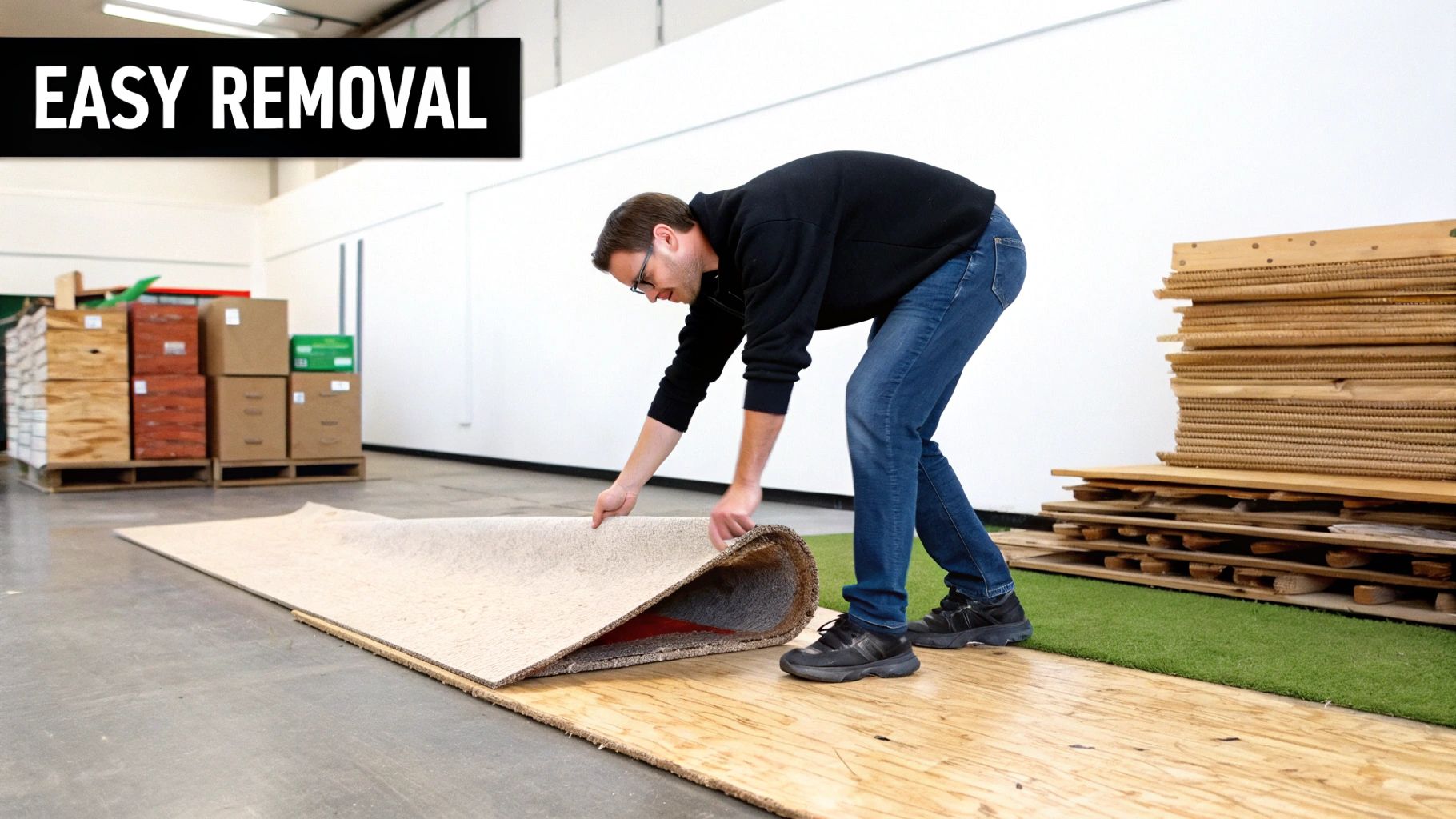
Creating a solid foundation is the most effective way to eliminate desk wobble on carpet. Without a stable platform, other stabilization methods will be only partially effective or temporary.
Install a 3/4″ Plywood or MDF Platform
The plywood or MDF platform is widely regarded as the gold standard for desk stabilization on carpet. It works by distributing the desk weight over a large, rigid surface, preventing carpet compression and ensuring even support across all legs.
Steps to install:
Measure your desk footprint. Determine the width and depth of your desk legs spread. Add 2 to 4 inches to each dimension to ensure full coverage and edge stability.
Cut the board. Use a 3/4-inch thick sheet of plywood or MDF. Most hardware stores offer cutting services to custom dimensions.
Finish the edges. Sand the edges smooth and apply paint, wood sealant, or edge banding to prevent splintering and improve aesthetics.
Install anti-slip pads. Attach dense rubber anti-slip pads to the bottom of the platform to prevent sliding on the carpet. Place additional anti-slip pads on the top surface of the platform, directly under each desk foot, to prevent lateral movement between the desk and the board.
Position and test. Place the desk on the platform and apply a lateral force of 10 to 20 pounds at the center of the desktop. A properly stabilized desk should resist significant sway.
Advantages:
Creates excellent weight distribution
Eliminates carpet compression effects
Suitable for all carpet types including high-pile
Durable and long-lasting
Drawbacks:
Requires some DIY effort
May be visually obtrusive depending on room decor
Adds height, though this can be mitigated with shorter desk legs
Use a Carpet-Rated Office Chair Mat for Quick Stability

A carpet-rated office chair mat is one of the most practical and effective solutions for stabilizing a desk on carpet. Unlike soft mats, rigid polycarbonate or vinyl mats create a hard, flat surface that bypasses carpet compression entirely.
What to Look For in a Chair Mat
Material: Rigid polycarbonate or heavy-duty vinyl. Avoid soft or flexible mats entirely.
Thickness: At least 3/16 inch or 4.8 mm for structural integrity.
Design: Must have cleats or spikes on the underside to grip the carpet and prevent slippage.
Size: Large enough to accommodate the entire desk base and allow for chair movement.
User feedback: This solution is frequently cited as the single most effective upgrade for carpeted setups. It offers both immediate stability and long-term protection for your carpet.
Essential for active workstations: These mats are required when using under-desk treadmills or balance boards, which need non-compressible flooring to operate safely and avoid mechanical damage.
Try High-Density Rubber Mats for Low-Pile Carpet
On low- to medium-pile carpet, a commercial-grade high-density rubber or vinyl mat can serve as a less permanent alternative to wood or polycarbonate platforms.
Specifications and Effectiveness
Thickness: 1/8 inch to 1/4 inch, or 3 to 6 mm.
Material: Solid rubber, vinyl, or composite industrial flooring.
Coverage: Must extend beyond the desk leg footprint by at least 6 inches on all sides.
Effectiveness:
Works well on low- to medium-pile carpets
Less effective on thick, plush carpets where underlying padding still compresses
Easier to install and remove than wood platforms
What to Avoid
Do not use furniture sliders, soft foam pads, or anti-fatigue mats. These items compress under load and actually increase instability rather than reducing it.
Level Your Desk to Stop Rocking and Wobble
Even on a solid base, an unlevel desk wobbles due to torque. One leg bearing more weight creates leverage that amplifies movement during use.
Check with a Bubble Level
Place a bubble level or digital level app across the desktop, first front-to-back and then side-to-side. If the bubble is off-center, one or more legs are lower, likely due to carpet compression or uneven flooring.
Shim Under Shorter Legs
Use hard shims to lift low legs and eliminate tilt.
Best shim options:
Wobble Wedge Shims. Stackable, hard plastic shims with interlocking ridges to prevent slipping. Available in sizes including BigGap at 0.48 inch, Standard at 0.25 inch, and Mini at 0.16 inch.
DIY shims. Cut from cardboard, wood, or plastic. Tape in place to avoid shifting during use.
User tip: One Reddit user successfully stabilized their desk by placing wedges under the front legs while pressing the desk tightly against the wall, though this introduced a slight forward tilt.
Adjust Leveling Feet
Many desks have screw-in leveling feet. Turn them clockwise to extend, counterclockwise to retract.
Steps:
Lift the low side slightly.
Turn the foot to extend it until the desk feels level.
Retest with a level and lateral push.
Optimize Weight Distribution to Reduce Wobble

A top-heavy desk wobbles more than one with balanced weight distribution. The higher and farther the weight, the greater the leverage during movement.
Move Heavy Equipment Off the Desktop
Relocate computer towers, printers, or speakers to the floor.
Best tools:
Mobile CPU cart. Adjustable height, rolls smoothly, and improves cable management.
Under-desk CPU holder. Mounts below the desktop and lowers center of gravity.
Ergonomic bonus: Frees up valuable workspace and improves overall desk organization.
Mount Monitors Closer to the Frame
Long-arm monitor mounts that extend far forward create front-heavy torque, especially at standing height. This is particularly problematic for stability.
Fix:
Mount arms as close to the desk central support columns as possible.
Use dual arms for better balance.
Follow Cornell University ergonomic guidelines: keep monitors 20 to 40 inches from your eyes.
Manage Cables to Prevent Jerking During Adjustments
Tight or snagged cables can yank the desk during height adjustment, causing sudden wobble and potentially damaging equipment.
Cable Management Solutions
Leave extra slack. Ensure 20 percent extra length in all cables to accommodate height adjustments.
Use magnetic cable ties. These allow easy repositioning and prevent snagging during movement.
Route cables properly. Route cables away from moving parts and pinch points where they could get caught.
Reinforce Your Desk with Mechanical Fixes
When foundation and leveling are not enough, mechanical fixes add rigidity and eliminate remaining wobble.
Try Spiked Furniture Grippers
Grippers with teeth or spikes can penetrate carpet fibers and rest on the subfloor, bypassing the compressible layer entirely.
How to use:
Choose grippers with 1/2 inch to 1 inch spikes.
Attach with heavy-duty double-sided tape or adhesive designed for heavy loads.
Ensure spikes reach the subfloor but do not damage it.
User feedback: Mixed results. One Reddit user reported it did not work, suggesting effectiveness depends on carpet density, spike length, and subfloor material.
Brace the Desk Against the Wall
For immediate stability, wedge the desk tightly against a wall.
Steps:
Push the back of the desk flush against the wall.
Use rubber shims or doorstops under front legs to lock it in place.
Test for wobble by applying lateral force.
Works well for two-leg standing desks which are naturally less stable than four-leg designs.
Install a Linear Guide Rail
For a permanent, countertop-like feel, use a wall-mounted linear rail system.
How it works:
Mount rail to wall studs.
Attach casters to the back of the desk.
Allows vertical movement but prevents front-to-back sway.
User review: One user stated it feels like a solid countertop with zero wobble.
Anchor to the Floor
In extreme cases, users have drilled screws directly through desk feet into wooden subfloors.
Method:
Pre-drill holes in desk feet.
Use 3-inch wood screws into subfloor.
Only works on wood, not concrete.
Not recommended for renters or movable setups. This permanently alters both desk and flooring.
Choose the Right Desk Frame for Carpet Stability
If you are purchasing a new desk, choosing the right frame from the start prevents stability problems down the road.
What to Look For
Heavy-duty steel frames. Thicker steel frames resist wobble better than lightweight aluminum. Heavier desks compress carpet more evenly.
Wide or extended feet. Frames with broad, long, or L-shaped feet distribute weight over a larger surface area, minimizing point-load compression and reducing rocking.
Pro tip: Check product specifications for carpet compatibility or wide feet design. Some manufacturers, such as Venace, engineer frames specifically for soft flooring.
Allow for Settling and Re-Tighten Bolts
Even a perfectly level desk can loosen over time as the carpet settles in. This step is often overlooked but is a simple, no-cost method to enhance long-term stability.
Wait 24 to 48 Hours Before Finalizing
Carpet and padding compress gradually under load. This can misalign legs and loosen joints during the settling process.
Re-Tighten All Frame Bolts
After 1 to 2 days:
Use an Allen key to tighten all connections.
Focus on leg mounts, crossbars, and motor housings.
Recheck level and stability.
This simple step restores rigidity and prevents long-term wobble from developing.
Test Your Desk Stability
Verify your fix with a real-world test before declaring success.
How to Perform the Test
Apply 10 to 20 pounds of lateral force to the desk center.
Watch for:
Rocking or swaying
Creaking or shifting sounds
Desktop tilt
Jerking during height adjustment
Pass criteria: Minimal movement, no noise, smooth operation.
Fail criteria: Repeat leveling, check foundation, or add mechanical support.
The Plywood Diagnostic Test
To confirm carpet is the root cause:
Remove the desk from the carpeted area.
Place a single solid piece of 3/4-inch plywood on the carpet where the desk stood.
Reinstall the desk on top of the board.
Test for wobble by applying lateral force.
If the desk becomes significantly more stable, the issue lies with the soft flooring, not the desk frame.
Avoid These Ineffective Solutions
Not all fixes work. Some actually make wobble worse.
Do Not Use:
Furniture sliders. These compress into carpet and create an uneven base.
Soft foam or felt pads. These add give and increase instability rather than reducing it.
Anti-fatigue mats. These are too squishy and designed for standing, not for supporting desks.
Short casters. These sink into carpet and create an uneven base.
These are common mistakes that waste time and money without solving the underlying problem.
Frequently Asked Questions About Making a Desk Stable on Carpet
Why does my desk wobble more when I use the standing feature?
Standing desks have a higher center of gravity than traditional fixed desks. This amplifies any small discrepancies in leg height or floor firmness, making wobble more pronounced at standing height. The solution is the same: create a solid, non-compressible foundation.
Can I use a regular floor mat under my desk?
Regular floor mats are too soft and compressible. You need a rigid polycarbonate or vinyl chair mat specifically rated for carpet, at least 3/16 inch thick, with cleats or spikes on the underside to grip the carpet.
How long does it take for carpet to settle under a new desk?
The settling process typically takes 24 to 48 hours. After this period, you should re-tighten all bolts and check the level again, as settling can cause slight misalignment.
Will a plywood platform damage my carpet?
When properly installed with anti-slip pads on both the bottom and top, a plywood platform actually protects the carpet by distributing weight evenly and preventing deep impressions. It is a non-permanent solution that can be removed anytime.
Are standing desks on carpet a lost cause?
No. While some users express frustration, the consensus among experts is that desk wobble on carpet is solvable. The most reliable solutions are the plywood platform method and carpet-rated office chair mat, which transform an unstable setup into a rock-solid workstation.
Do heavier desks work better on carpet?
Yes. Heavier desks, particularly those with thick steel frames, compress carpet more evenly and resist lateral movement better than lightweight frames. Look for desks with wide or extended feet for the best results.
Key Takeaways for Stabilizing Your Desk on Carpet
Desk wobble on carpet is solvable with the right approach. The most reliable fixes, the plywood platform and carpet-rated office chair mat, create a rigid base that stops compression and distributes weight evenly. Combine these foundational solutions with proper leveling using shims or adjustable feet, weight optimization by moving heavy equipment off the desktop, and mechanical reinforcement when needed for maximum stability.
Whether you are using a standing desk or a traditional workstation, these proven methods will give you a solid, quiet, and ergonomic setup. No more wobble, no more frustration, and no more distracted typing from a shaking desk. Start with the foundation solution that fits your space and budget, then add leveling and reinforcement as needed.





